Commander Nexus is a free deck builder for Magic: The Gathering's Commander format. See exactly how your deck plays before you ever shuffle it.
New Set Spotlight

Nauctis: The Sunken Realm comes out on February 5, 2027. Every card shown so far is on this site, each with a plain explanation. Open the Nauctis: The Sunken Realm hub
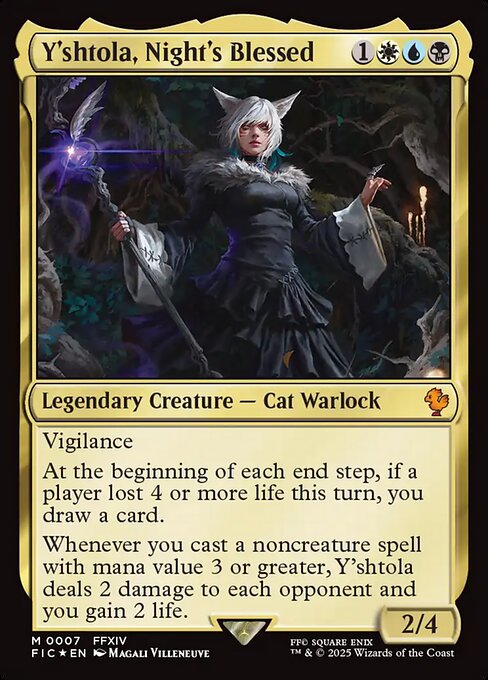
 Commander
 Can also lead
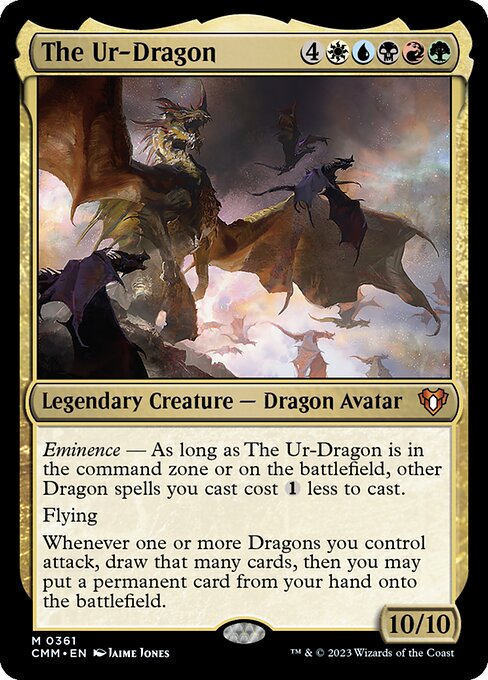
 Commander
 Can also lead
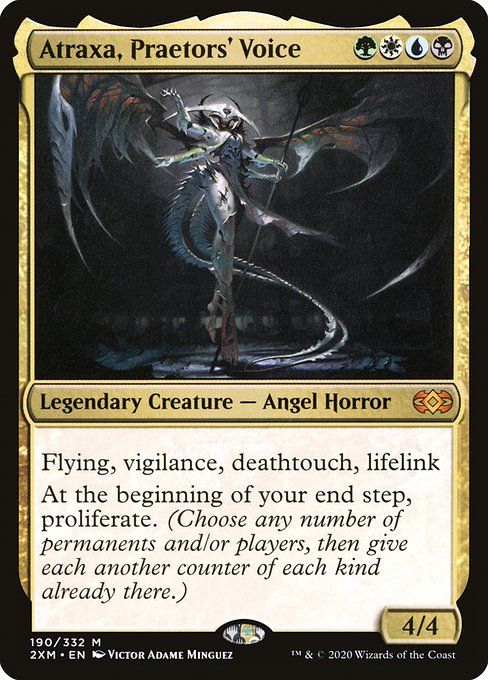
 Commander
 Can also lead
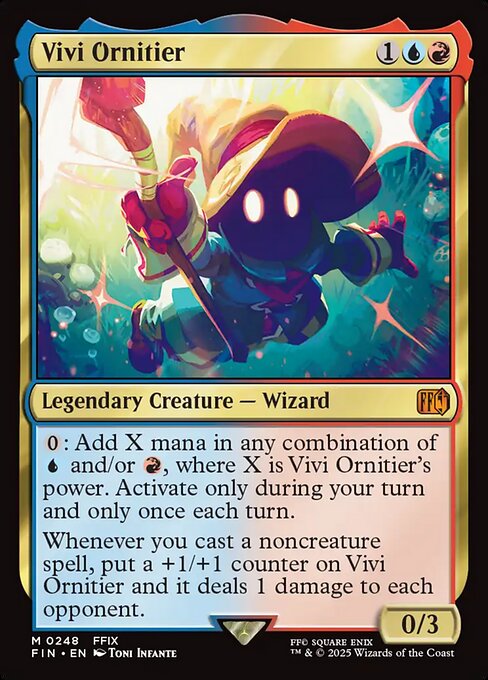
 Commander
Coming Next


Secret Lair


7 scenes from the film as cards, from the Fireys to the Shaft of Hands. Rogue's Passage and Thran Temporal Gateway are in here.
Latest
Trending Commanders
Counted from decks players posted online over the last two years
New to the game
Commander is a way to play Magic: The Gathering with three or four friends at one table, each with a deck of 100 cards led by one legendary creature. These four ideas are all you need to get started and build your first deck.
Read the help pageCommander is a Magic: The Gathering format where each player builds a 100-card deck around one special card, usually at a table of four.
Your commander is that special card. It waits off to the side in the command zone, and you can cast it as many times as you like.
Color identity is the set of colors your commander uses. Every other card in the deck has to stay inside those colors.


Brackets rate how powerful a deck is, from 1 to 5, so everyone at the table can agree on what kind of game to expect.
I made this site because I fell in love with Magic: The Gathering and finally found a group of people who love it just as much as I do. I scoured social media and Reddit for the most common complaints and feature requests, and I did my best to add them all here.
Every part of the site, in one place.
Every great deck starts with a conversation. Pick a play style, or let us walk you through the easiest ways to learn the format.
Type the name of the legendary creature you want to build around and pick it from the list.
Pick themes or archetypes to filter what Discover shows.
Paste a deck link, or paste the card list as text. Links work from Moxfield, Archidekt, Mana Pool, MTGGoldfish and Commander Template.
You are not signed in, so you get a preview of your deck. It is not saved. Sign in to keep it.
This records cards you own. It does not copy the deck. Use Clone deck for that. You can take it straight back out from Recent changes.
This deck already has cards in it. Do you want to add the new list to them, or replace them?
The deck stays yours. Anyone you invite can add and remove cards and rename it, but they cannot delete it, change who can see it, lock it, or invite anyone else. You can take it back at any time and they will be told.
List of cards in this deck:
Your other decks keep the tags they have now.
Saved to your account and applied whenever you use this card again.
This works like the Discover search bar. t:instant finds instants, o:draw finds cards whose rules text says "draw".
Ideas from this deck
Cards that do the same job as the card coming out, in this deck's colors.
Nothing in the deck changes unless the owner accepts.
Press a key to save a trip to the mouse. They do nothing while you are typing in a box, or while Ctrl, Alt or Cmd is held.
Point at the card with the mouse, or tab to it.